Most businesses and individuals now use general AI tools for assistance. These tools are great for writing emails or summarizing long notes. However, they often struggle in a real office setting or industry-specific work.
These AI tools/general chatbots do not know your company’s secret rules or specific industry laws. This is why they make mistakes or give broad answers that do not help.
This is why “Vertical AI” is becoming the new standard.
Vertical AI, in simple terms, is a tool designed for a specific job or industry. These AI tools possess in-depth knowledge in specialized fields like graphic design or digital marketing.
For freelancers or small businesses, a tool that speaks your creative language is much better. It understands your unique workflows and adheres to all key safety rules.
To move forward, we must look at why the “general” approach is starting to fail in the workplace.
Why General AI Fails Specialized Workflows
General AI models are trained on almost everything on the internet. This makes them useful for many things. However, it does not truly understand the specific details of your field.
One big issue with general AI is called “Prompt Fatigue.” This happens when workers spend excessive time writing long, precise instructions just to get the AI to understand the task context. This almost nullifies the time AI saves. It becomes a chore rather than a helpful partner.
When it comes to high-stakes client deliverables, generic chatbots often miss the mark. General AI can “hallucinate,” meaning it makes up facts that sound real but are entirely false. These tools simply lack the deep, safe grounding needed for high-stakes professional work.
What is Vertical AI?
Vertical AI is a tool designed to solve problems of one specific industry or field. Think of it like a “specialist” instead of a “generalist.”
Vertical AI is built in layers to give it more power. The first layer is a general AI “brain.” This helps it understand human language. On top of that, developers add a second layer of “special data.” This data belongs only to a specific industry.
For example, a Graphic Design AI is trained on millions of high-converting ad layouts, color theory principles, and modern typography trends. The final step is workflows. This allows AI to know the actual steps of a job.
- In Content Production: AI that automatically color-grades video footage based on cinematic styles.
- In Marketing: AI that generates high-converting landing page copy based on specific industry conversion data.
- In E-commerce: AI that creates lifestyle product photos from a simple mobile phone snap.
Knowing how these tools work makes it easy to see their value. It’s exactly why companies are now moving away from general chatbots. Here is why this shift is happening right now.
3 Reasons Why Vertical AI is Replacing General Chatbots
- Better Safety and Privacy: General AI tools are usually on a public cloud. This can be a risk for sensitive information. Vertical AI models often run on a company’s own private servers. It ensures your sensitive project data and brand assets stay private.
- It Does the Actual Work: Vertical AI does more than just assisting and giving ideas. For example, an AI for a graphic designer can automatically save and export files in the perfect format for a printer. It understands the actual steps of a job.
- No More “Fake” Information: Vertical AI uses a smart system called RAG. This stands for Retrieval-Augmented Generation. It forces AI to look at real company documents before it speaks. Instead of guessing an answer, the AI finds the fact in a real file and shows you where it found it.
How to Choose the Right Vertical AI Tool for Your Workflow
Instead of paying for a big, general AI subscription, you should look for tools that solve one specific problem. You do not need an AI that knows how to write poems if your goal is to fix your website. Check platforms like DealFuel to find these specialized tools.
For example, if you want to rank higher on Google, look for an AI-powered SEO auditor. This tool will not just “chat” about SEO. It will scan your pages and tell you exactly what to fix. If you make videos, look for an AI Video Editor that knows how to cut and style footage for your specific social media channel.
When you look for a tool, ask yourself: “What is the one task I hate doing most?” Then, find the Vertical AI that was built specifically for that job. This approach ensures you spend your money on a tool that actually finishes your work for you.
Below, we’ve curated a list of the best Vertical AI tools currently available on DealFuel. These are the specialists that don’t just ‘talk’ about your tasks, they finish them.
Best AI Vertical Tools
1. AI SEO & Content Tools
These tools use data-driven algorithms to automate keyword mapping, technical site audits, and the generation of search-optimized text.
SEOBrain – AI SEO Content Generator
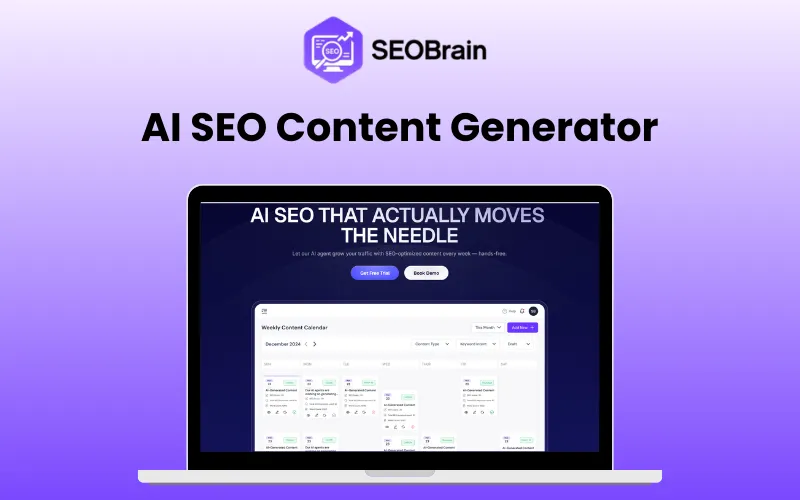
SEO Brain is an AI-SEO tool that allows you to generate content. It automatically researches demand, generates and optimizes content.
Features:
- SEO Automation
- Long-Form Blog Generation
- AI Image Generator
- Supports 50+ Languages & more
Pricing: $100 | Lifetime Access
SEOPro – AI SEO Tool
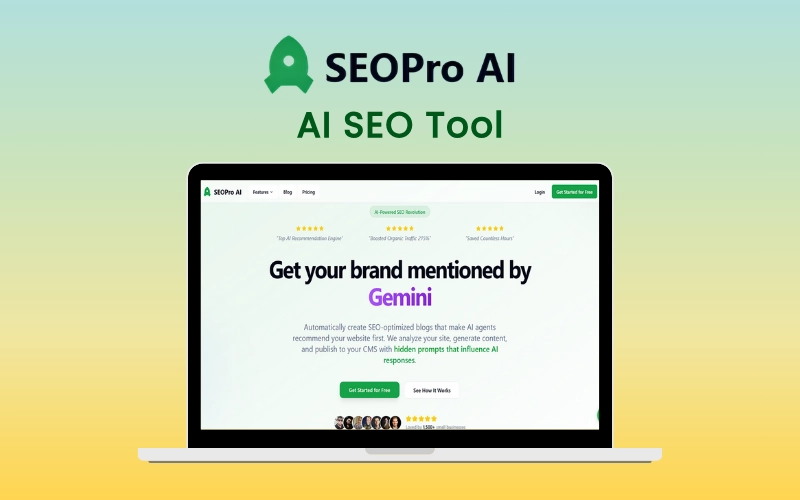
SEOPro is an AI-powered SEO automation tool that creates and auto-publishes optimized blog content embedded with hidden AI prompts.
Features:
- Answer Engine Optimization
- Generative Engine Optimization
- AI SEO Agent
- SEO Content Writing & more
Pricing: $114 | Annual Access
2. AI Design Tools
This category focuses on vision-based AI models that apply design principles to automate the creation of thumbnails, logos, and layouts.
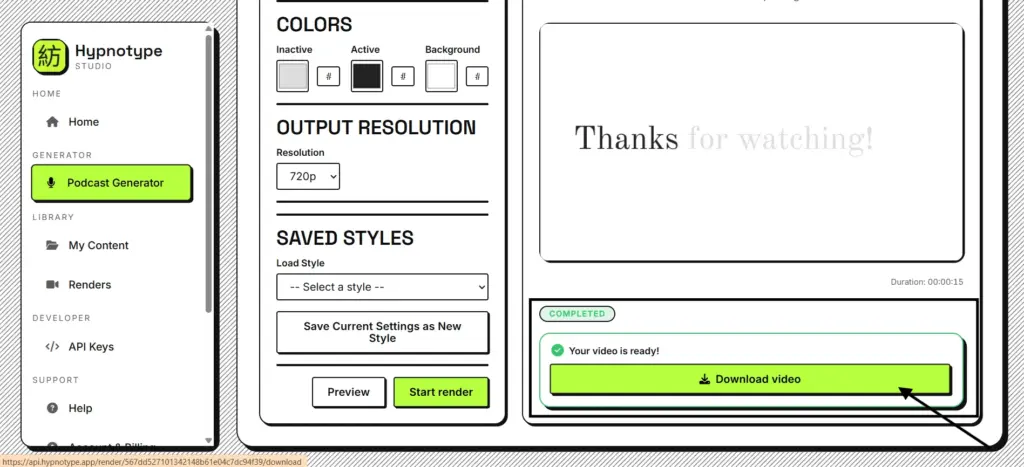
PickThumb – AI Thumbnail Generator
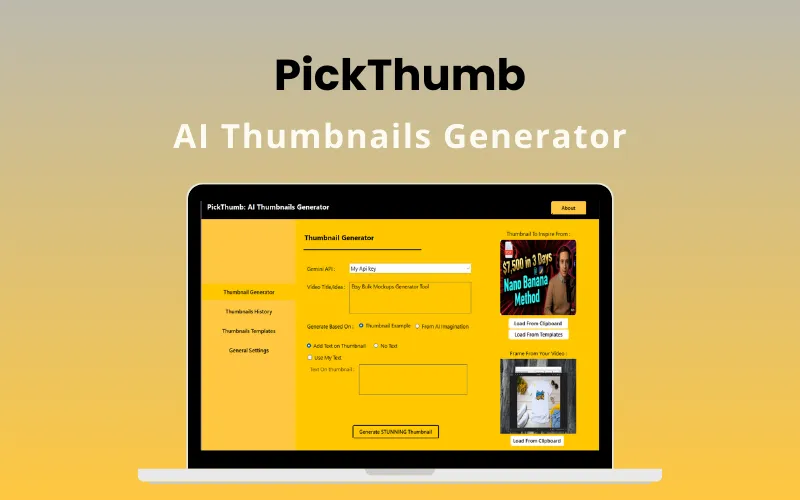
PickThumb is an AI thumbnail generator that allows you to create professional thumbnails in minutes. It provides controls for styling, branding and composition.
Features
- AI Generation
- CTR Optimization Engine
- Consistent Branding
- Style Copy Mode & more
Pricing: $9 | Lifetime Access
DesignVortex360 – AI Design Generator
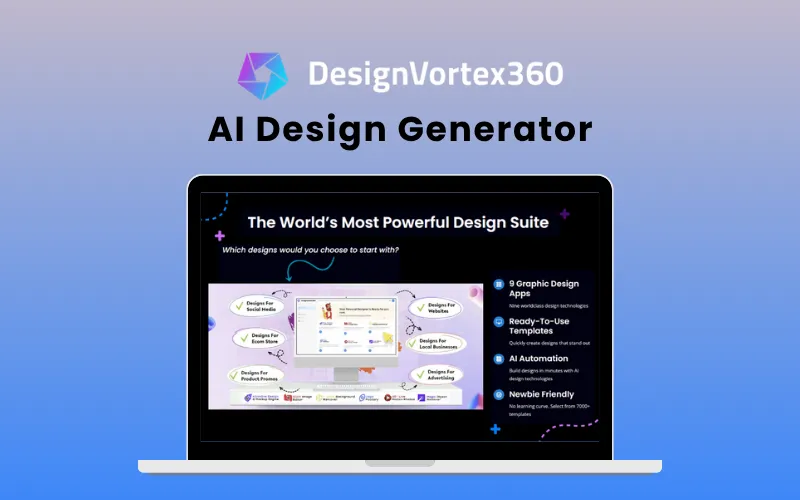
DesignVortex360 is a suite of nine design tools perfect for creating professional designs and graphics. It provides 7000+ design templates with future updates.
Features:
- AI Mockup Creator
- AI Logo Maker
- Image Editor
- Background Remover & more
Pricing: $27 | Lifetime Access
3. AI Operational & Client Management Tools
Operational AI integrates with existing business databases to automate routine communication, FAQ handling, and CRM data entry.
ZenCall – AI Phone Agent
Zencall is an AI phone agent that can answer FAQs, book meetings and sync data with your CRM. It provides a human-like voice in 15 different languages across 70+ countries
Features:
- AI Voice Interaction
- CRM Integration
- Automated Workflow
- Quick Setup & more
Pricing: $99 | Lifetime Access
FounderPal – AI Marketing Assistant
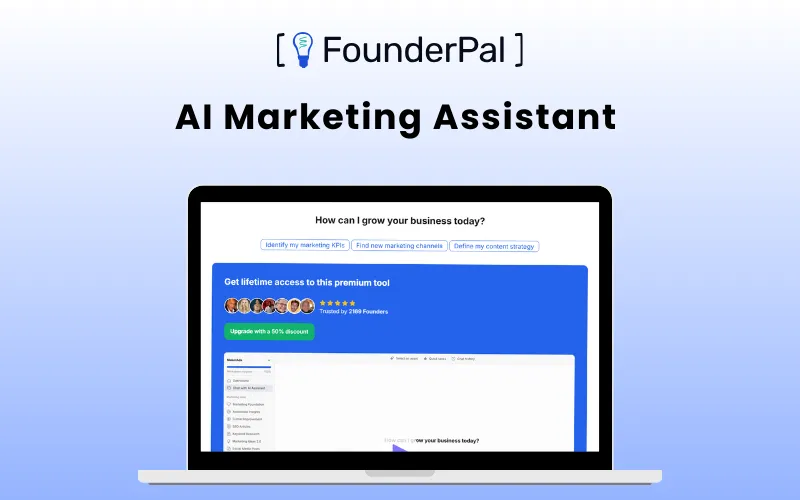
FounderPal is an AI-powered marketing assistant that helps you with market research, optimize conversion, generate ideas, and maintain consistent marketing. It provides 26+ specialized AI tools to assist creators and business owners.
Features:
- Marketing Research
- User Acquisition
- Content Generator
- Ad Campaigns & more
Pricing: $49 | Lifetime Access
4. AI Legal Tools
Legal-specific AI models are trained on regulatory data to assist with document analysis, contract drafting, and compliance research.
RamenLegal – AI Legal Assistant
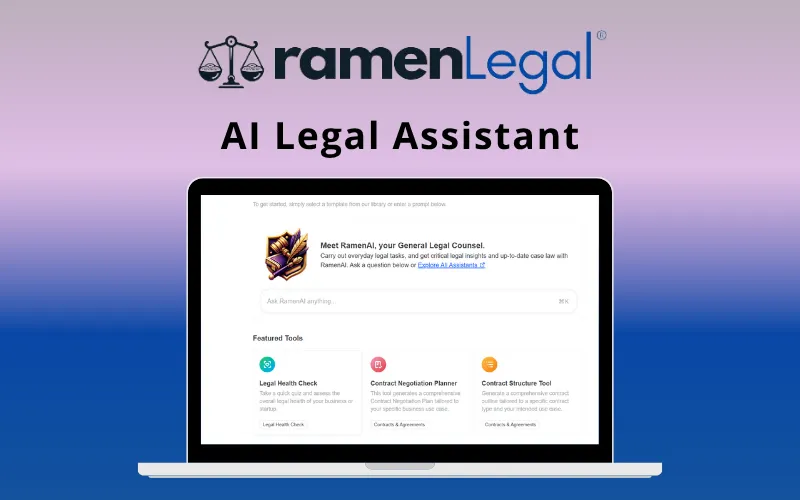
RamenLegal is an AI-powered legal tool that helps you automate and manage legal tasks. It allows you to create, review and store legal documents, conduct legal research and collaborate across teams.
Features:
- AI Legal Document Generator
- AI Legal Assistant
- AI Document Analyzer
- Custom Automation & more
Pricing: $160 | Lifetime Access
Conclusion
The future of AI is not about one giant “brain” that tries to do everything. Instead, the future looks like a “toolbelt” full of specialized experts. Just like a builder needs a hammer and a saw, a modern worker needs different AI tools for different tasks. One tool handles your emails, while another fixes your website or edits your videos.
By 2027, every major profession will have its own dedicated AI agent. Designers, marketers, and small business owners will have an AI agent that understands their brand’s specific ‘secret sauce’ and workflow standards. You will no longer have to explain your job to a computer. Your AI will already be an expert on its first day.
The move to Vertical AI is more than just a trend. it is a smarter way to work. By using tools that are narrow but deep, you can focus on the big ideas while your AI experts handle the details.